Help
How to create a book
Three steps, about five minutes. At the end you see your book’s cover for free — no sign-up, no payment.
- 1
Tell us about the child
Name, gender and age. The age sets how long and how simple the text is.
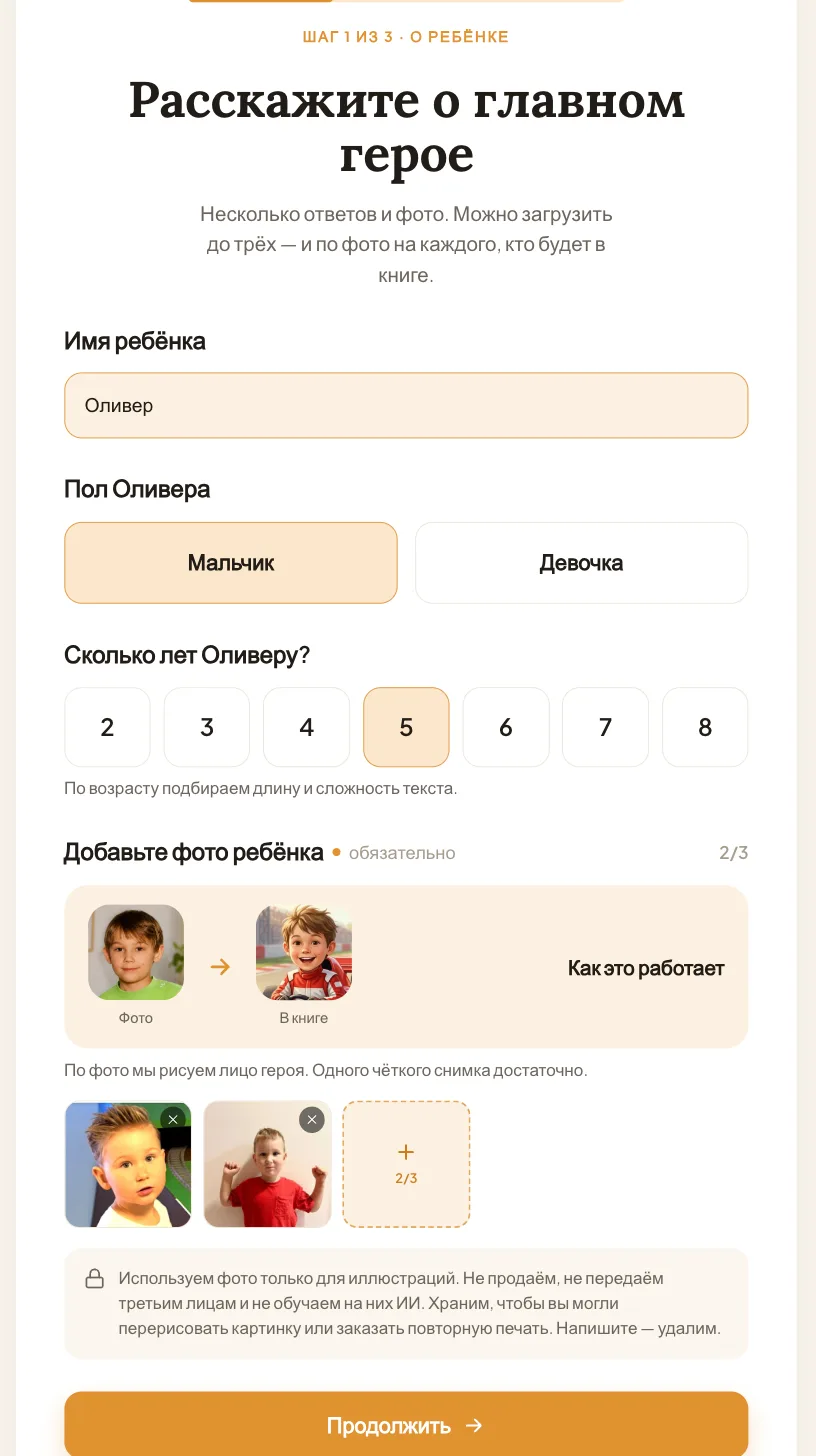
- 1Enter the child’s name and choose their gender and age.
- 2Add a photo of the child — one clear photo is enough, up to three.
- 3Tap “Continue”.
- 2
Add the family
Grandma, Grandpa, Mum, a brother — anyone who should appear in the book beside the child. You can skip this step.
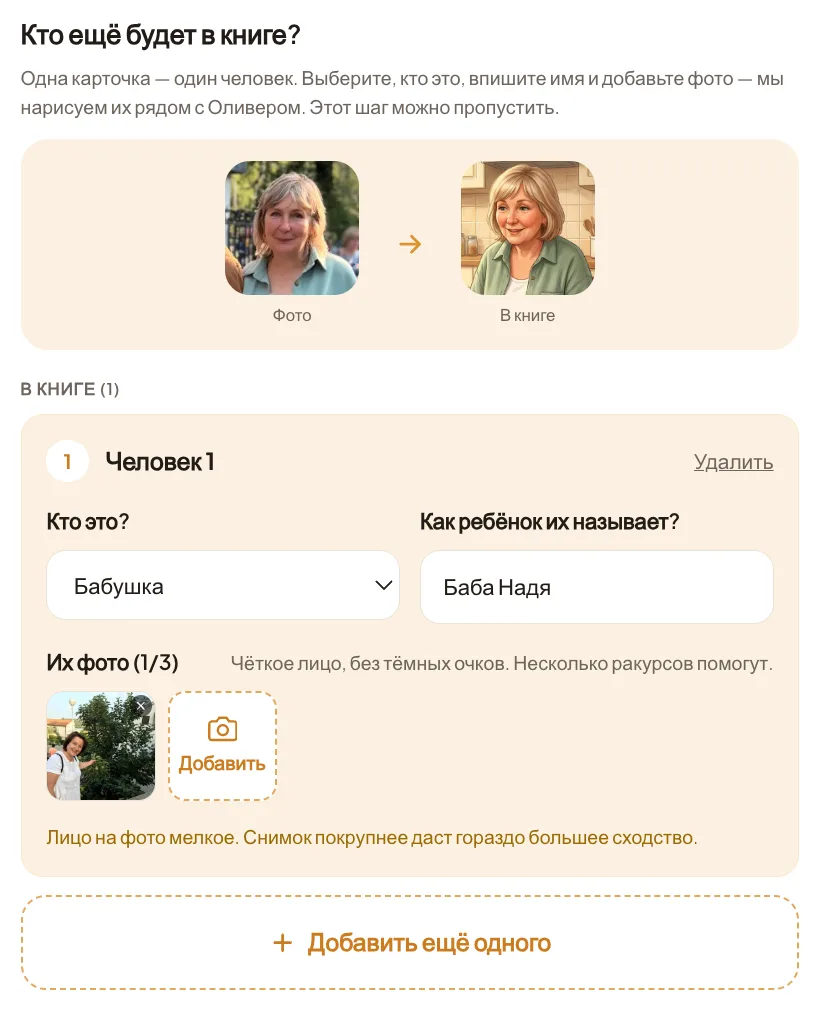
- 1Tap “Add a person to the book”.
- 2Choose who they are and write what the child calls them — “Granny Nadya”, say.
- 3Add one to three photos of them.
- 4To add someone else, tap “Add another person”.
There’s one main character, and up to seven people can be beside them. How many appear in the story depends on the plot: some have room for only one or two.
- 3
Choose a story
Write your own idea in two or three sentences, or pick one of our stories.
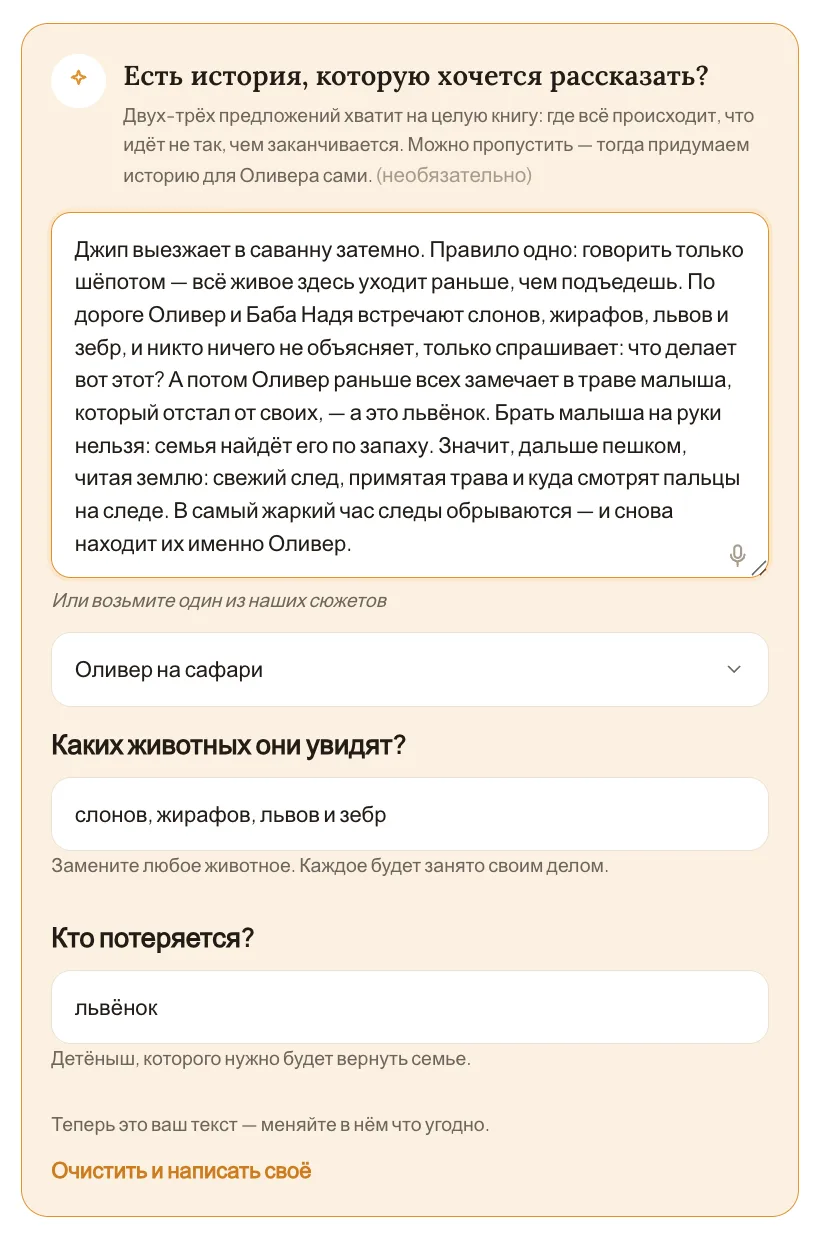
- 1Write your story in the box — or pick one from the list.
- 2If the story asks questions, answer them — or keep our suggestions.
- 3Tap “Continue — choose a style”.
You can change the story text however you like. Or write nothing, and we’ll come up with the story.
- 4
Choose the illustration style
Every picture in the book will look like this. You can change the style later.
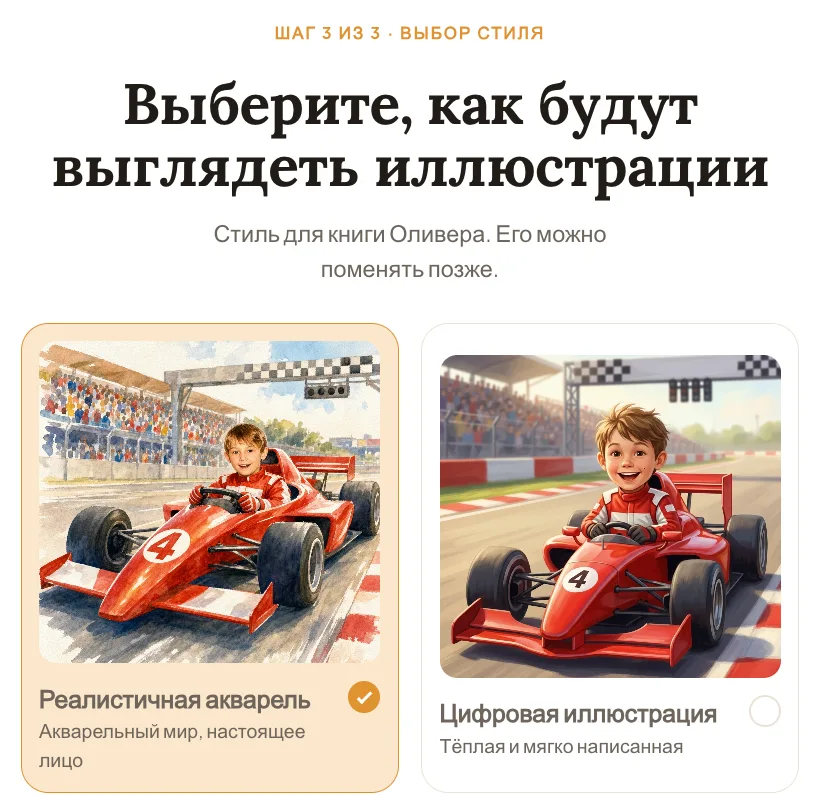
- 1Tap the style you like.
- 2Tap “See the free preview”.
In about 2 minutes your book’s cover appears — free, no sign-up, no payment.
How many photos you need
- The child: one clear photo is enough, up to three.
- Each family member: one to three photos.
- The face big and fully visible — no sunglasses, filters or harsh shadows.
- Several angles of the same face help the likeness more than one photo.
- If a face is too small in the photo, we’ll say so as you upload it.
- iPhone HEIC photos are fine — we convert them for you.
Stuck, or need a hand?
Nadya Tsech
Booku’s founder — I answer every email myself
Write to me — I’ll help you choose photos, shape the story or finish the book.
Write to me — info@booku.design