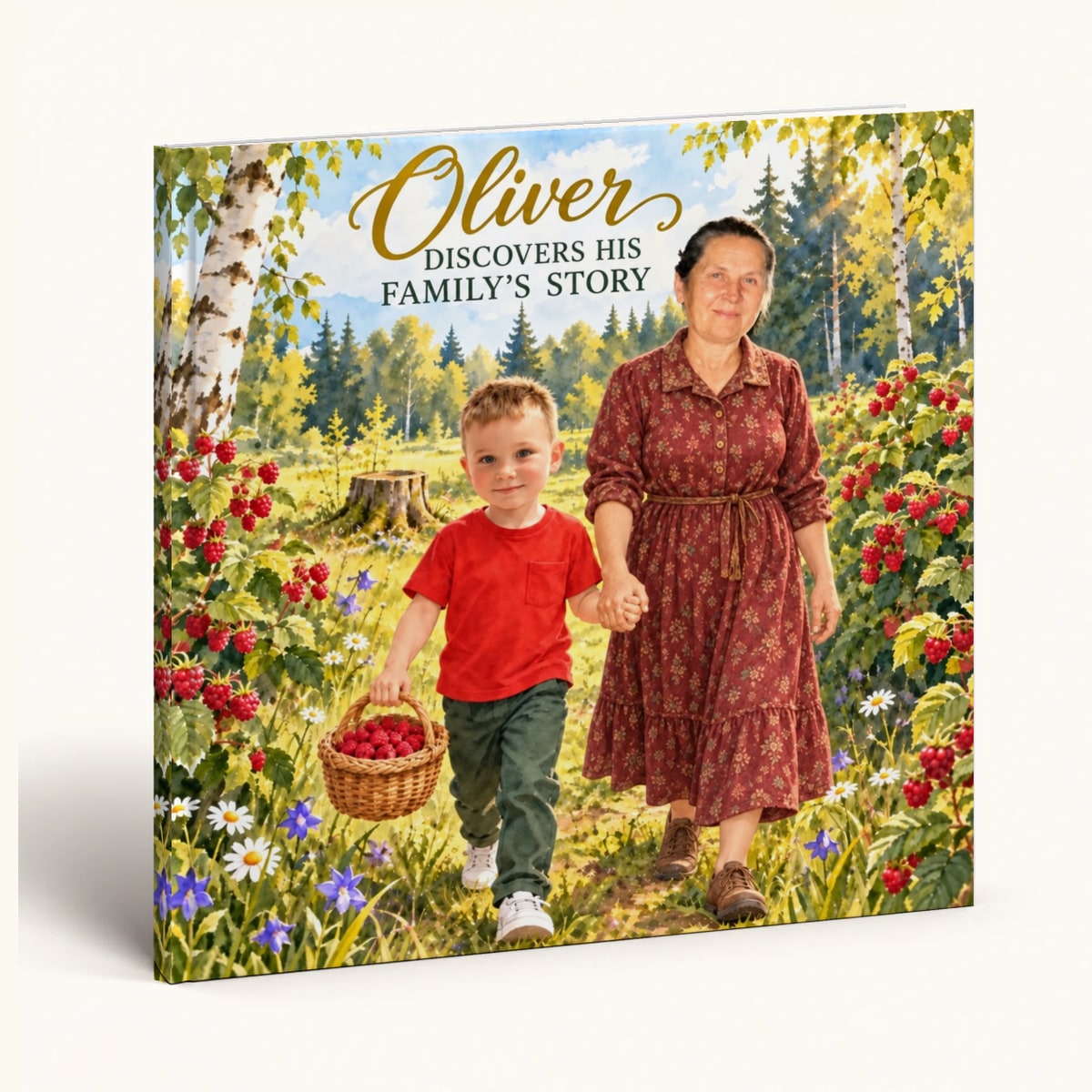
How to Create a Photorealistic Children's Book With AI: Tools and Prompts
Make a picture book where your child looks like themselves: which AI tools to use, copy-ready prompts, and how to keep faces the same on every page.
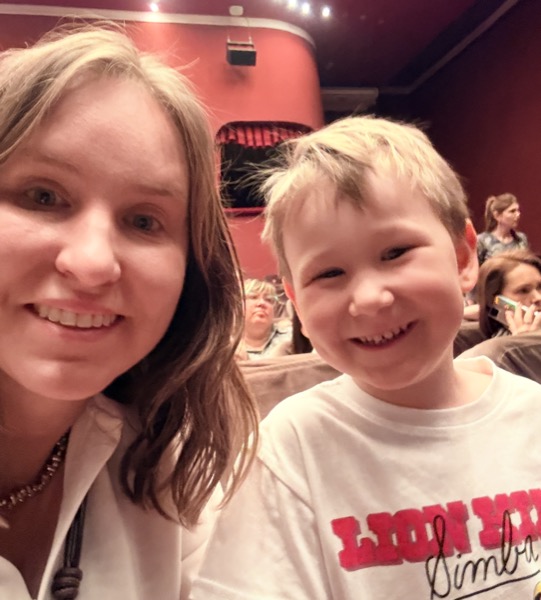
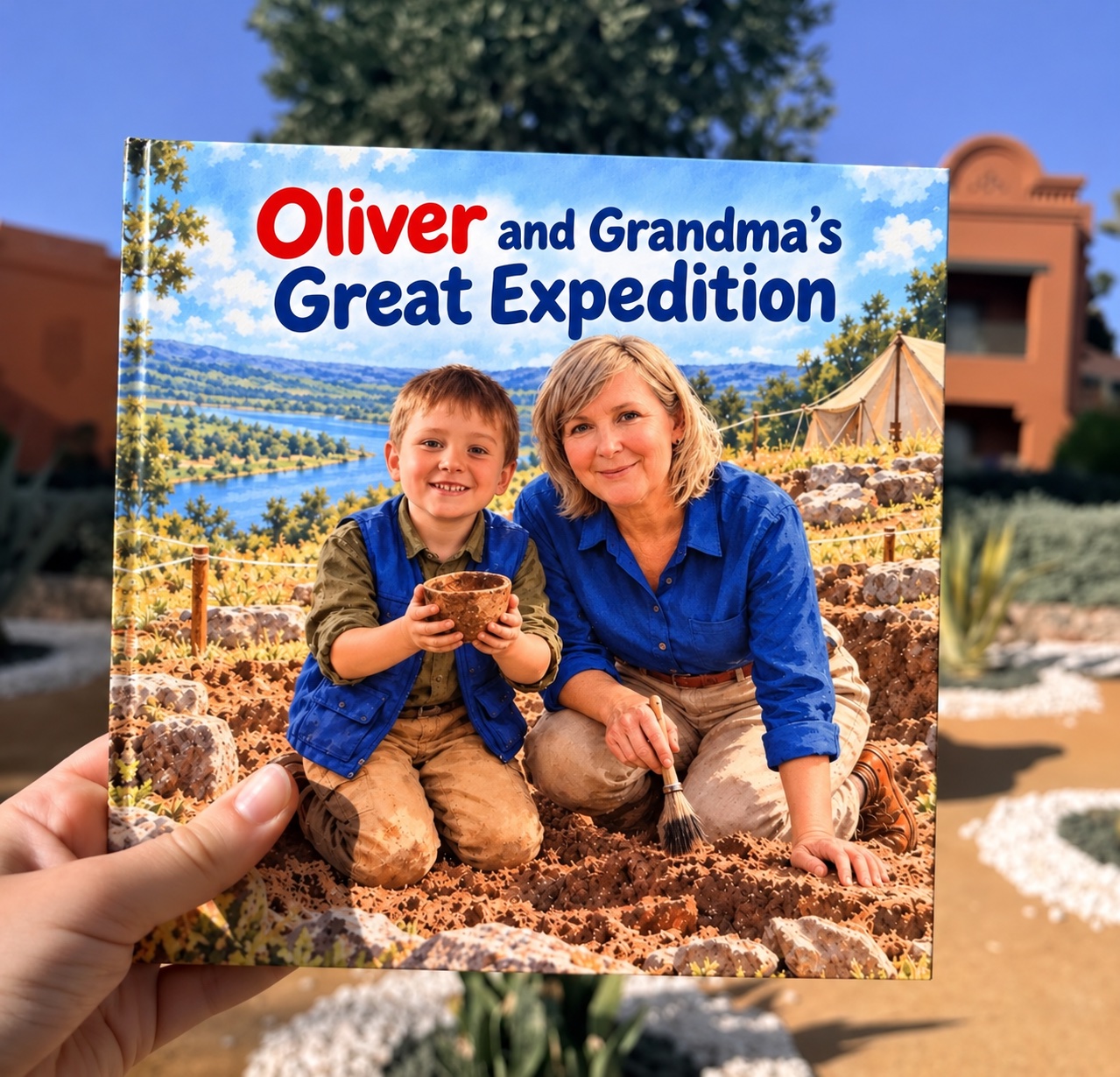
To make a photorealistic children's book with AI, write the story in Claude, then illustrate it in ChatGPT from clear photos of your child and family, one page at a time, repeating the same clothing description and the original photos in every prompt. The first picture is easy. Keeping the same faces on every page is the real work, and that's what most of this guide is about.
I've made over 300 personalized children's books through Booku and worked with thousands of AI illustrations. Here is the workflow I'd use to make a book myself, with the prompts I start from and the mistakes to watch for.
Which AI tools should you use?
| Task | Tool | Why I use it |
|---|---|---|
| Writing the story | Claude | Short, structured children's stories |
| Realistic illustrations | ChatGPT (OpenAI) | Works well from real photographs |
| Cartoon-style illustrations | Google Gemini | Colourful digital illustration |
| Page layout | Claude | Builds the PDF from your pictures and text |
You don't need all of them. For a photorealistic book, start with Claude for the text and ChatGPT for the pictures.
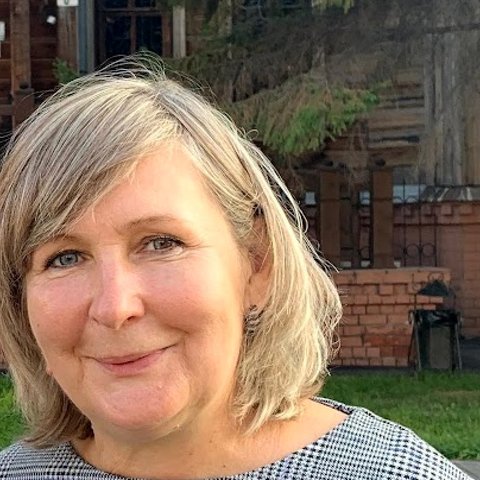
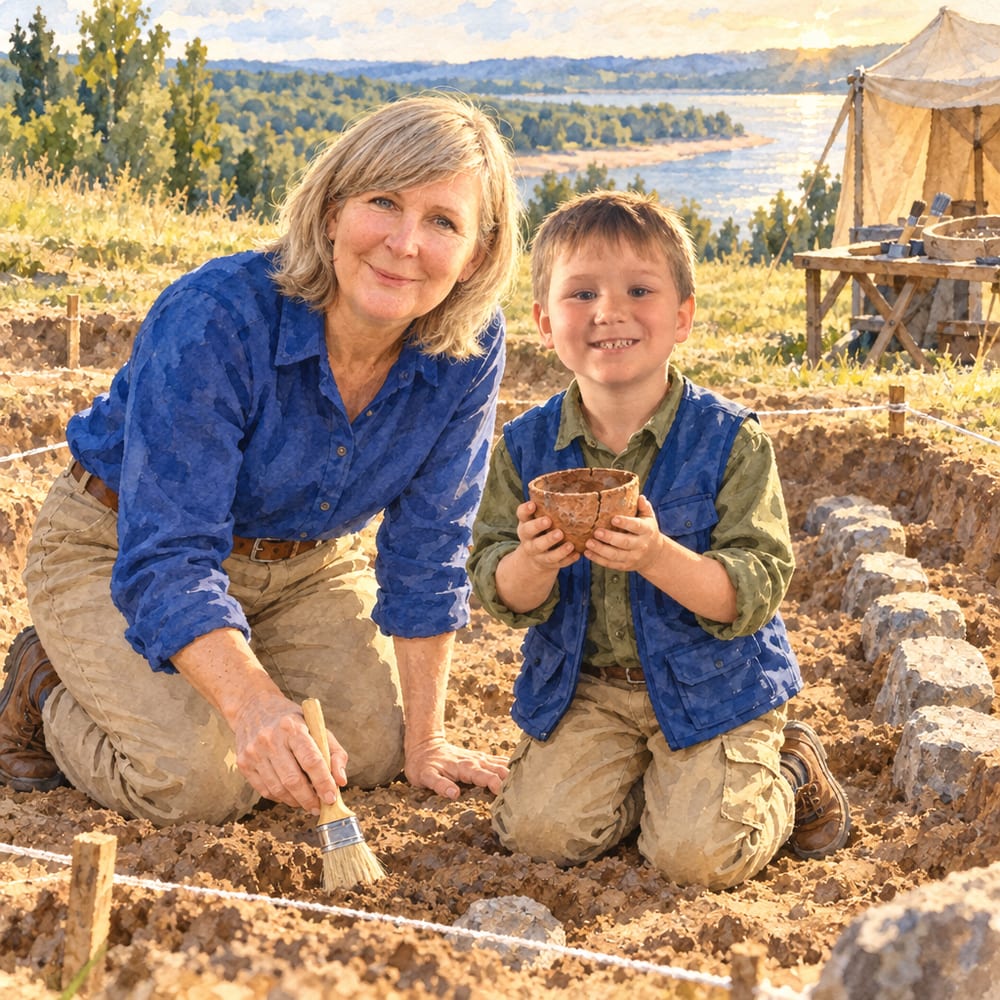
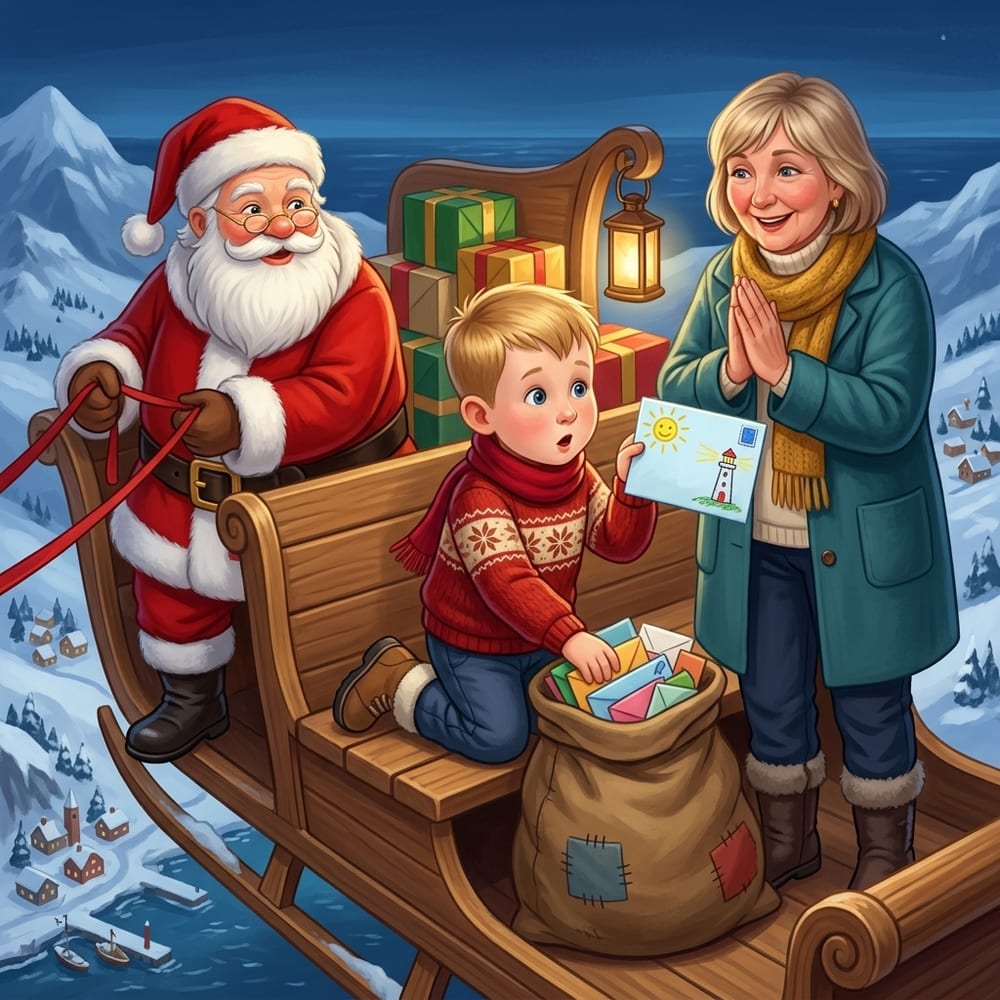
The same two people in both styles: on the left, Realistic Watercolor; on the right, Digital Illustration.
Step 1. Choose your photos carefully
This matters more than people expect.
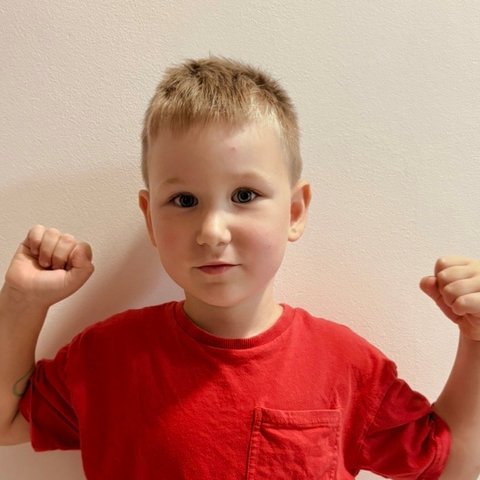
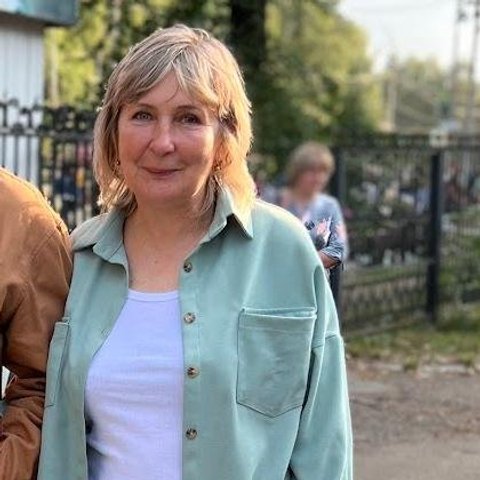
Use one clear photo of each person: facing the camera or at three-quarters, in natural light.
Avoid sunglasses, heavy filters and photos where the face is tiny.
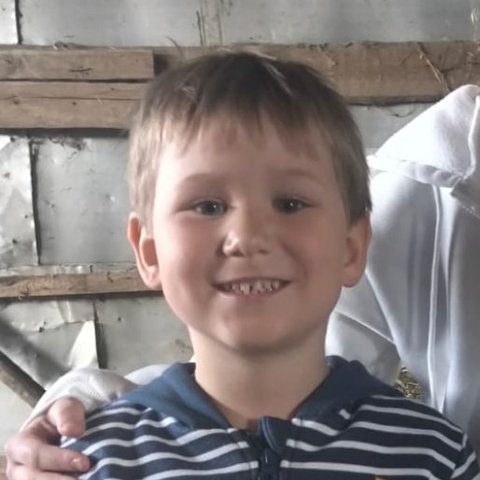
For a child, make sure the photo shows their current age. AI sometimes draws a four-year-old with the proportions of a seven-year-old, especially in full-body scenes.
Step 2. Write the story with Claude
Finish the story and decide what every page shows before you make any pictures.
Copy this prompt:
Write a 10-page illustrated bedtime story for [Name], age [age].
Other characters: [names, ages and relationships].
Plot: [brief description].
Include these personal details where they fit naturally: [details].
Requirements:
- The child is the hero and solves the main problem.
- Other characters help without taking over.
- Write [number] words per page (see below).
- Use age-appropriate language.
- Include one funny moment.
- End with a warm, calm scene.
- Avoid an explicit moral.
Before the story, create a character list with each person's age, hairstyle and two specific clothing details that must stay consistent.
For every page, provide:
Text: The words to read aloud.
Picture: One sentence explaining who is doing what, and where.
Make the illustrations varied: include close-ups, wider scenes, movement and different facial expressions.
How many words per page — the counts we use for Booku books:
- age 3: 35–55 words;
- age 4: 70–105;
- age 5: 80–120;
- ages 6–7: 95–135;
- age 8 and up: 105–145.
Then follow up with:
Read the story as a [age]-year-old would hear it. Simplify difficult words, remove repetition and shorten any sentence longer than 12 words.
Don't illustrate the first draft. Read it aloud and make sure the story works.
Step 3. Create the first realistic illustration
I use ChatGPT's image generation for this.
Upload your reference photos and start with a scene where the faces are clearly visible.
First illustration prompt:
Photo 1 shows [child's name], age [age].
Photo 2 shows [other character], age [age].
Create a photorealistic children's-book illustration featuring these exact people.
Keep their recognizable facial features, hair, skin tones and age-appropriate proportions.
Scene: [paste the Picture description].
Clothing: [copy the fixed clothing details from Claude].
Style: Realistic children's-book illustration, natural expressions, soft daylight, clean and colourful.
Format: [your book's format].
Keep skin texture natural. Avoid plastic-looking faces, exaggerated eyes and overly smooth skin.
No words or lettering.
Check that both people are recognizable before you go on.
If they aren't, fix the first illustration. Don't use a wrong face as the reference for the whole book.
Step 4. Keep the same people on every page
This is the hardest part.
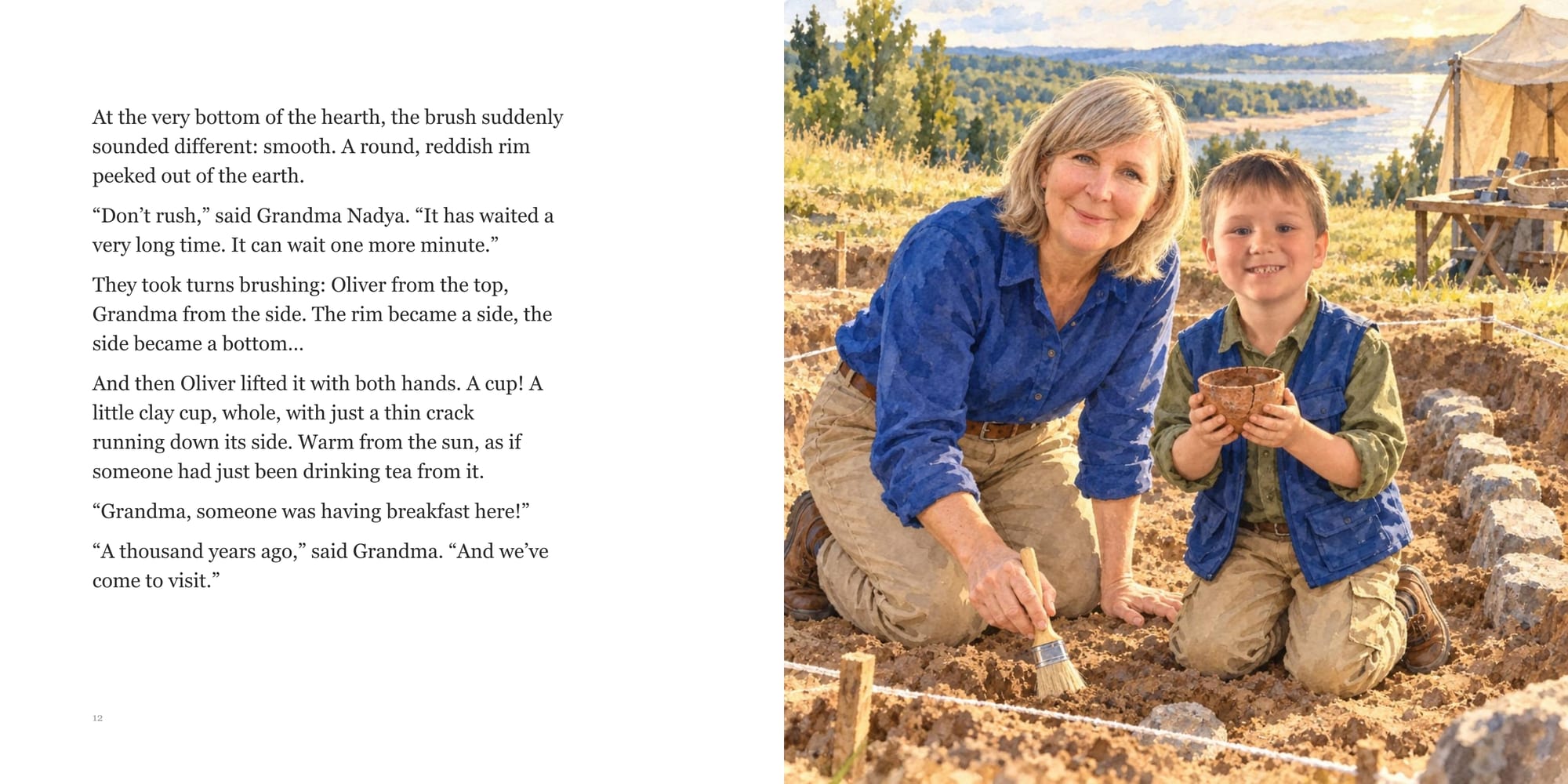
AI can make a beautiful first picture and then slowly change a face, the clothes or the age in the ones after it. Even a different haircut or head shape can turn a child into someone else.
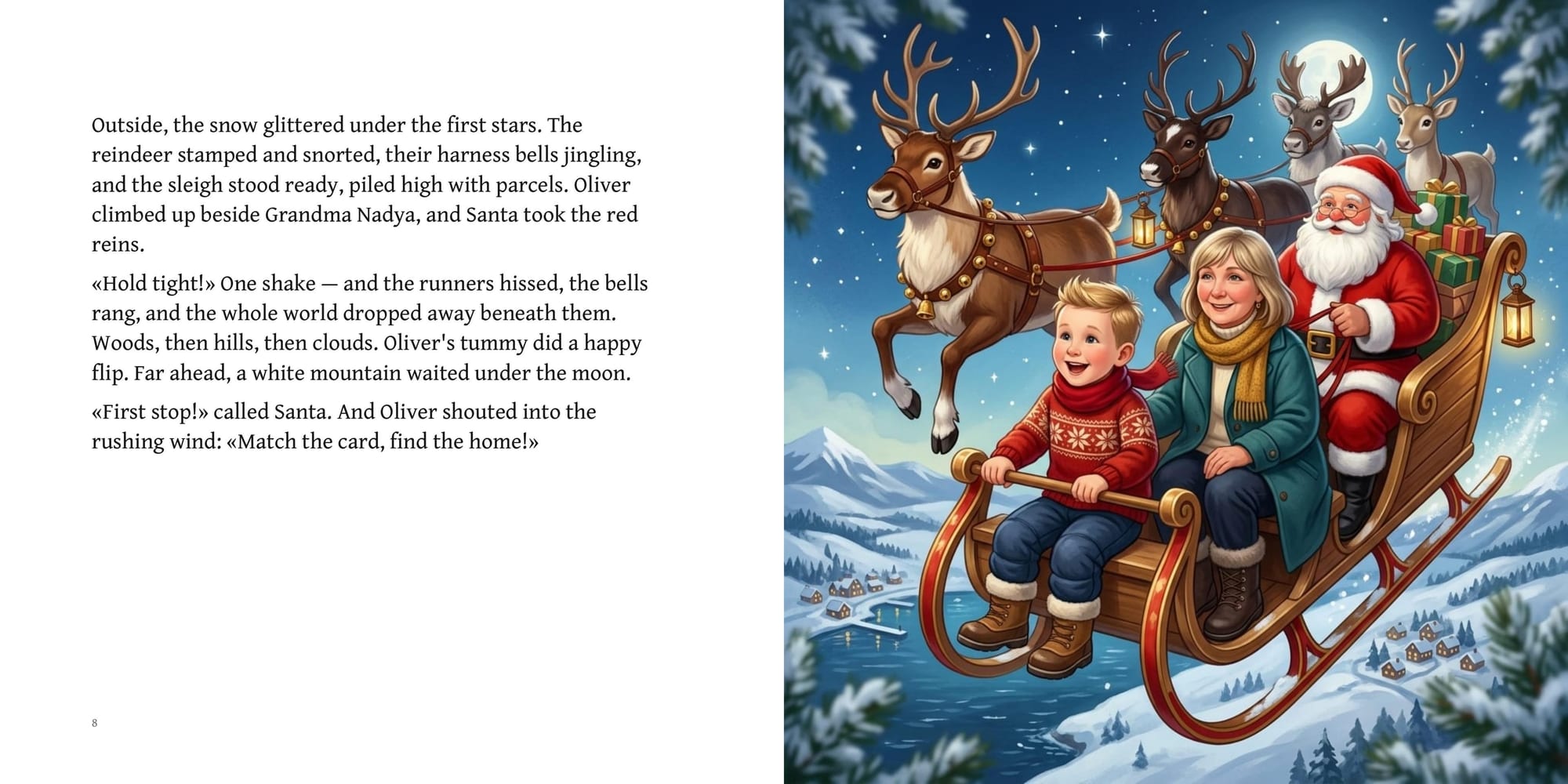
Here is what that looks like. In the first version of this page, Oliver came out younger than five, with a rounder face than he really has. The redraw made him look like himself again, and his age:


Prompt for every next illustration (attach the original photos and the first approved illustration):
Create the next page of the same children's book.
Use the same two people, with their real facial features from the reference photographs.
Preserve the illustration style, clothing and age-appropriate proportions from the first approved illustration.
Clothing: [repeat the exact clothing descriptions].
New scene: [paste the Picture description for this page].
Natural facial expressions and realistic movement.
Format: [the same as the first illustration]. No text.
Four things I've learned from thousands of illustrations:
- Always repeat the clothes. Even with reference images, clothing changes between scenes. Describe the same jacket, dress or shoes every time.
- Go back to the original photos. If a face starts to change, don't rely on the last generated picture. Attach the real photo again.
- Give people something to do. "Grandma lifts the dinosaur egg towards the light" makes a better picture than "Grandma stands next to the child".
- Change angles and expressions. Otherwise every page looks like the same family photo with a new background. But check the likeness carefully whenever you change the angle.
Don't expect every page to work first time. Some will need another try.
Step 5. Create the cover separately
The cover has to work as a picture on its own.
Show the main characters doing something from the adventure, not just standing together and smiling. For example, the child runs towards a dinosaur egg while Grandma follows.
Cover prompt:
Create a cover illustration for the same children's book. Format: [your book's format].
Use the attached reference photographs and approved illustration to preserve the characters' faces and style.
Show [child] and [Grandma] in an exciting scene: [cover action].
Keep the child's face clearly visible and recognizable.
Leave clear space at the top for a title.
Bright, natural colours. Detailed but uncluttered composition.
No text or lettering.
Add the title in your layout tool. You get much better control over the lettering and the spelling.
Step 6. Prepare the book for reading or printing
Claude can lay the book out: upload the pictures and the text and ask it to build a PDF, one picture and its text per page or as spreads. If you want to move things by hand, use Canva or Google Slides.
For a digital book, that PDF is all you need.
For print, check the printer's page size, image resolution, bleed and safe margins before you export.
One thing I learned from printing books: colours look different on paper. Pictures that look fine on a bright screen can print too dark, especially faces.
Before printing, look for muddy shadows, skin that's too red and details that disappear in dark areas. If the book is an important gift, order a printed proof first.
Can AI keep the same face across an entire children's book?
It can keep a recognizable likeness over many pages, but not every time.
In my experience, the first picture isn't the hard part. Keeping the people the same through different angles, expressions, light and actions is.
So keep a fixed description of each character, reuse the original photos and check every page before you export the book.
Is it worth making the book yourself?
If you enjoy experimenting with AI, absolutely. It's a fun project, and you'll learn a lot about making images.
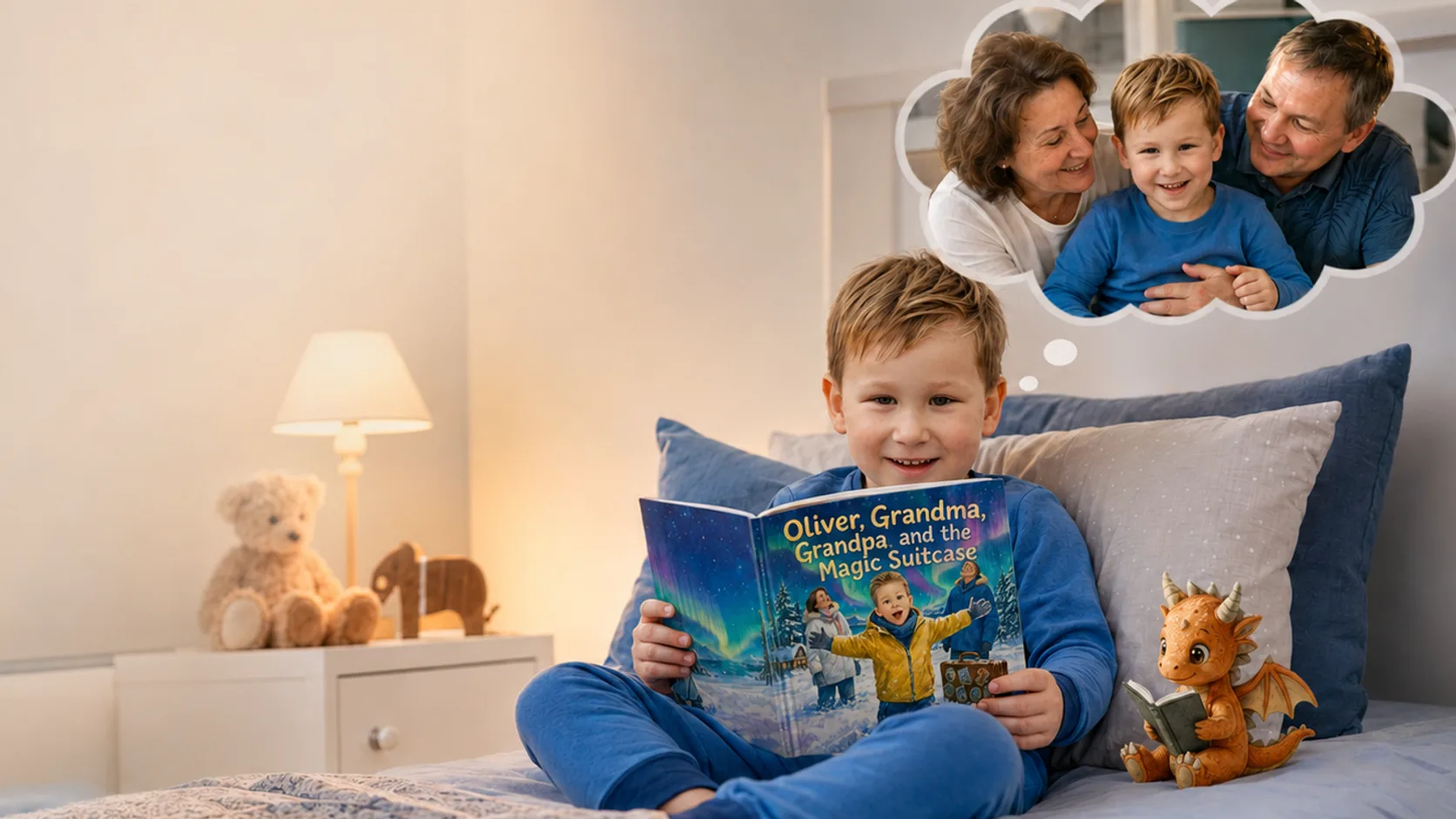
If you want the finished book without managing prompts, corrections and layout, that's why I built Booku. You upload family photos, choose an adventure and get a personalized illustrated story. You see the cover free before you buy the digital book or order a printed hardcover. Here is a whole book to read, made from three family photos.
Either way, start with a short 10-page story. Get the people right first. You can make a longer book once you've found a style that works.
If you're making it for a child whose grandparents live far away, here are four story ideas that work for long-distance grandparents.
See your child on a free cover
Free cover · no card · no sign-up
Frequently asked questions
Which AI tools are best for a photorealistic children's book?
Claude for the story, ChatGPT (OpenAI's image model) for realistic illustrations from real photos, Google Gemini if you want a colourful cartoon style instead. Claude can also lay the pages out as a PDF.
Can AI keep the same face across a whole children's book?
It can keep a recognizable likeness over many pages, but not every time. Repeat the clothing description in every prompt, attach the original photos to every request, and check each page before you use it.
What photos work best?
One clear photo per person: face to the camera or at three-quarters, natural light, no sunglasses or heavy filters, and a face that isn't tiny in the frame. For a child, use a recent photo so the age comes out right.
What should I do when a page doesn't look like my child?
Generate it again with the original photograph attached, not the previous illustration. A face that has drifted on one page drifts further if you copy it.
Is there an easier way than making the book myself?
Booku does the prompts, corrections and layout: you upload photos and pick a story. The cover is free to see, with no card and no sign-up; the digital book is €6.99, and a printed hardcover can be added.
About the author: Nadya Tsech is the Prague-based founder of Booku. She has made over 300 personalized children's books and worked with thousands of AI-generated illustrations.